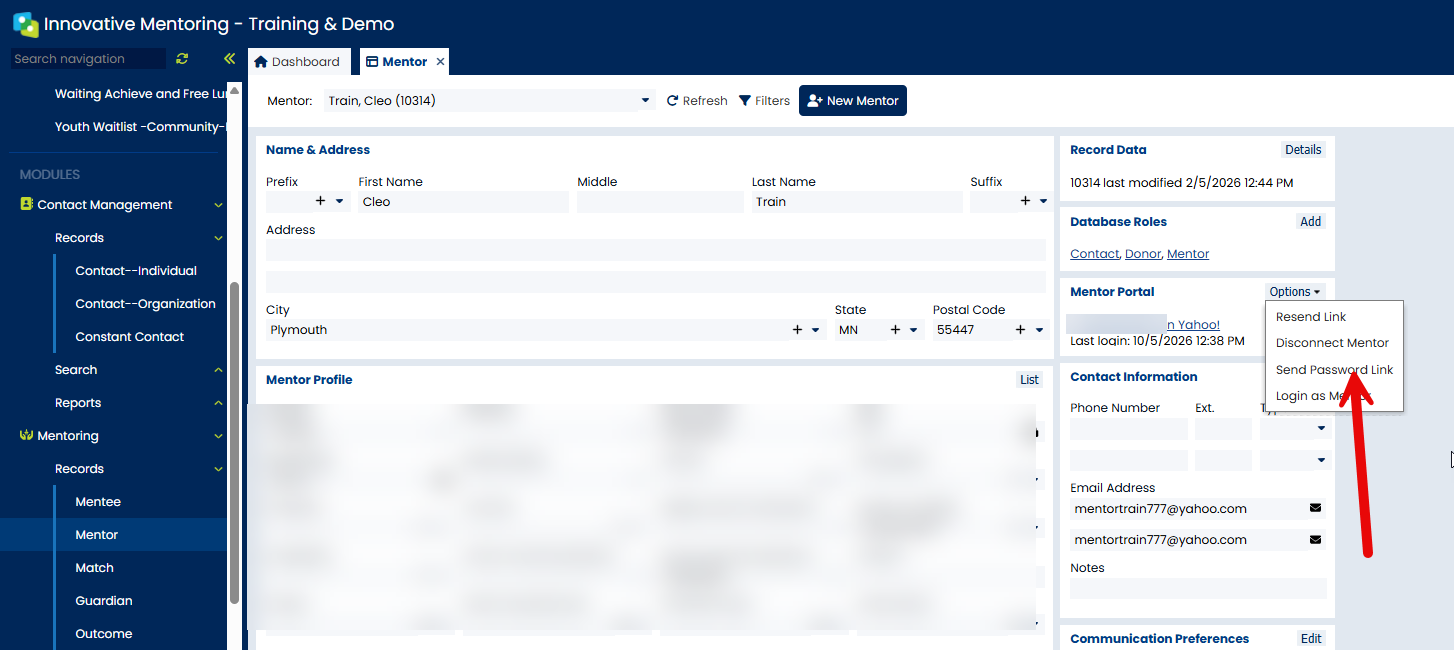
You can now choose whether you want your Mentor to login via email and password, or via Yahoo or Google (previous capability). You will need to send a password invite via your database for the Mentors to set up their Mentor Portal login. *NOTE: Previously Mentors HAD to have Yahoo or Gmail email address. The new password login option supports all emails.
Steps for New Mentors (make sure email is included in their record).
- Select Send Mentor Portal link:
- Your options will appear to send accordingly:
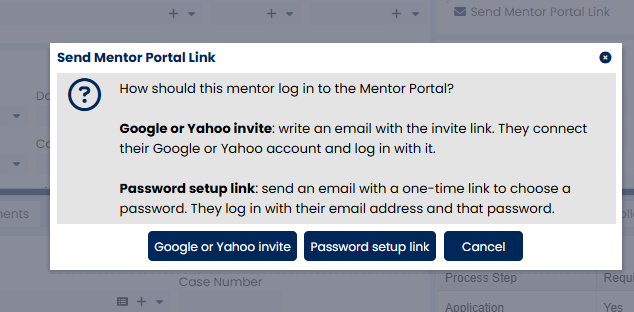
- An email will be then sent to the Mentor based on the option you choose.
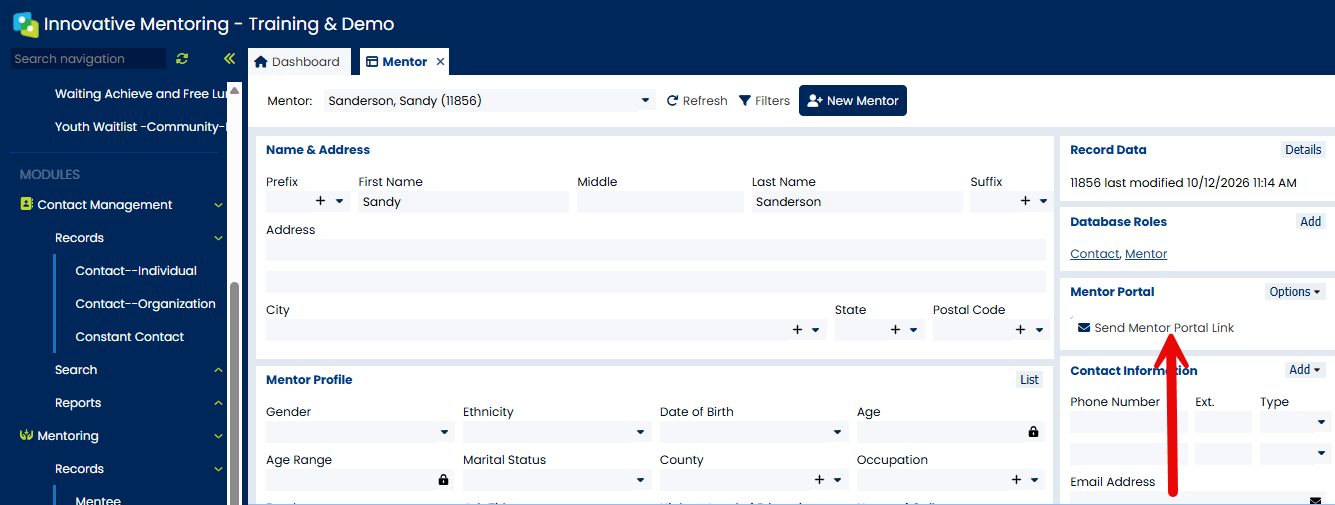
For existing Mentors:
If you already sent the Google/Yahoo invite you can ALSO send the Password set up option. It can be found here: